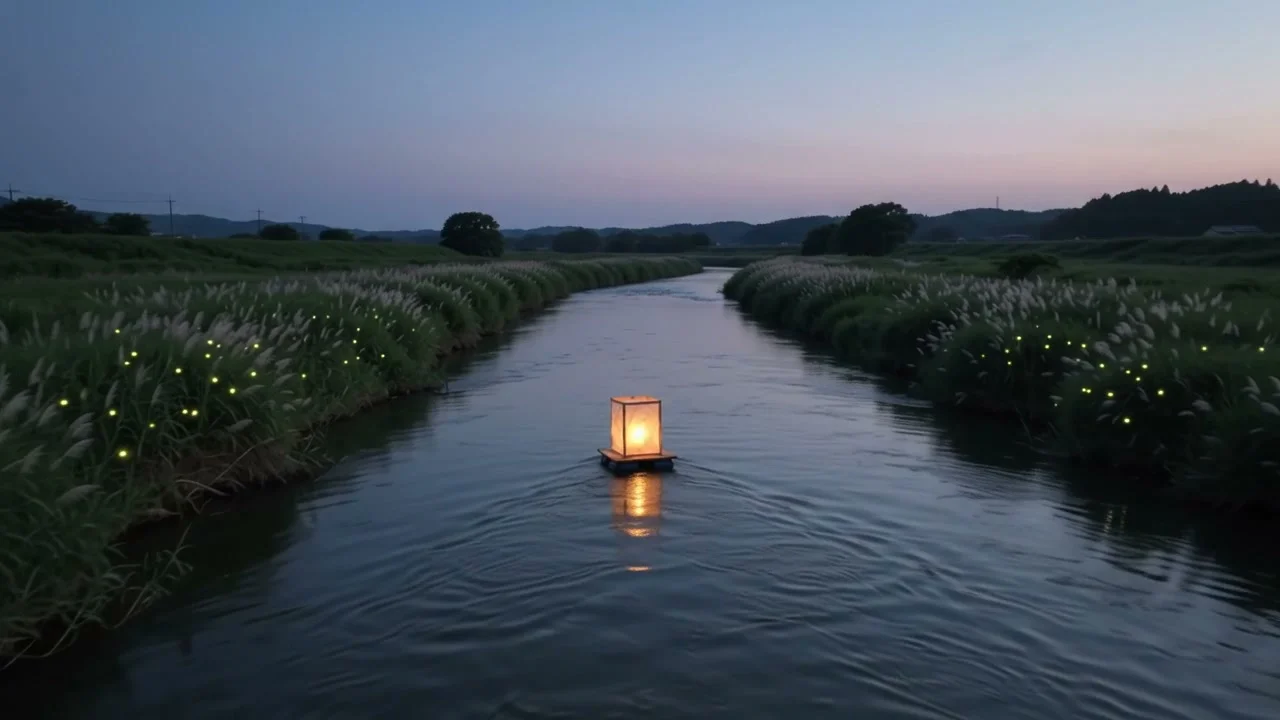
Reference Image Fidelity
Keep subjects recognizable across new scenes, styles, and compositions while preserving important visual details.
Image 2.5 AI Image Generator
Create and edit images from text or reference photos using GPT Image 2.5 Flare and Sunburst, with precise control over details, style, composition, and consistency.
Image Prompt Examples
Browse standout Image 2.5 prompts and examples shared by creators across portraits, products, posters, interiors, and more.
Features
One image workflow for generating, editing, refining, and finishing with more control from your first prompt to the final result.
Keep subjects recognizable across new scenes, styles, and compositions while preserving important visual details.
Change a background, object, color, text, or small detail while keeping the rest of the image intact.
Refine the same image across multiple edits without losing earlier changes or visual consistency.
Turn complex instructions for subjects, layout, style, and composition into more coherent finished visuals.
Create images in custom sizes up to 4K, with higher quality settings and transparent backgrounds when needed.
Choose Flare for faster generation or Sunburst for more refined image creation and editing workflows.
Reference Image Generation
Use Image 2.5 reference images to keep people, products, pets, and scenes consistent across new styles, backgrounds, and compositions while preserving recognizable details.
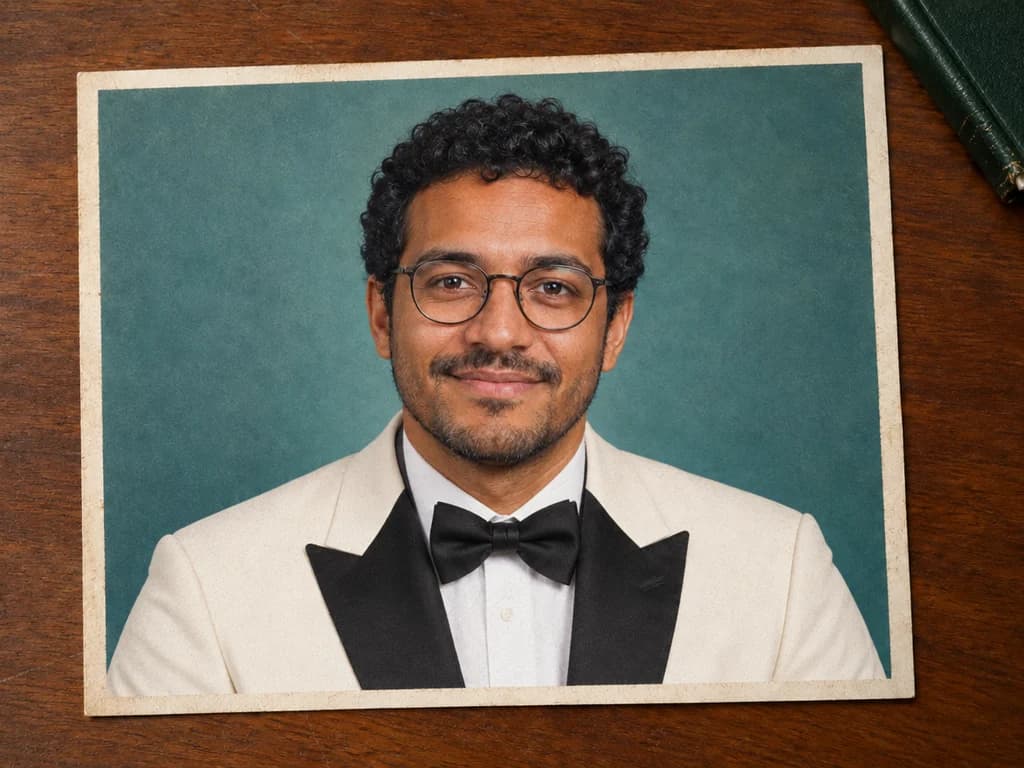
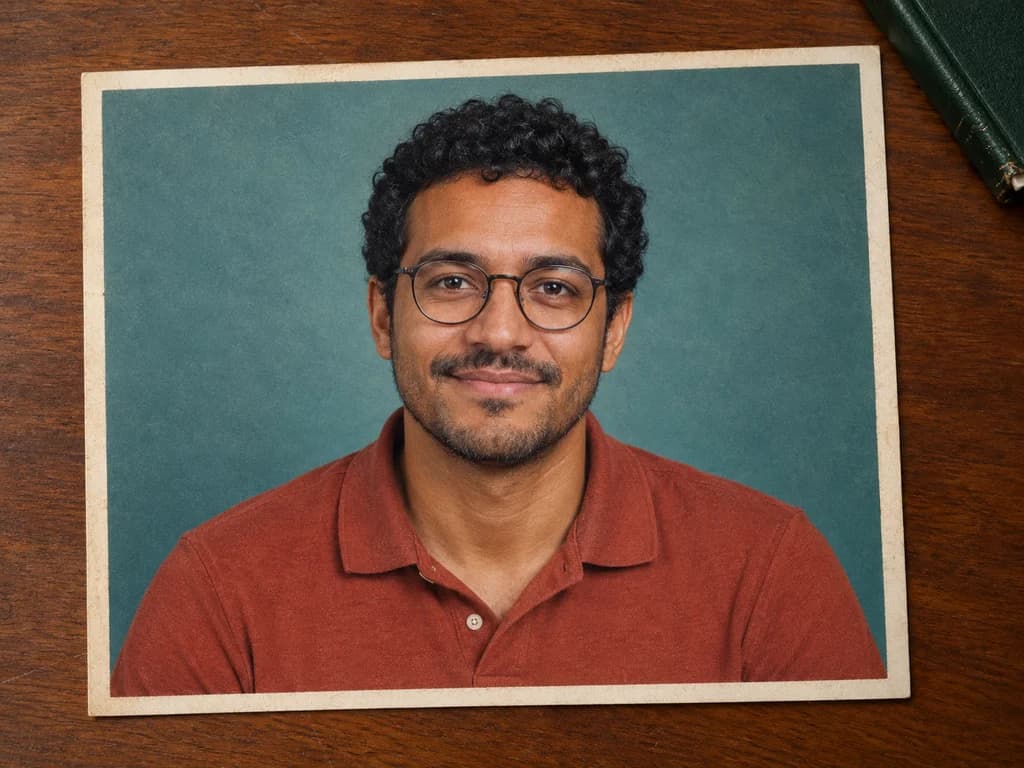
Drag or use the arrow keys to compare the reference image on the left with the generated result on the right. Home shows the full result; End shows the full reference.
Precise Image Editing
Use Image 2.5 to edit backgrounds, objects, colors, text, and small details while preserving the rest of the image, composition, and visual style.
 Original
 Image 2.5 Edit
Multi-Turn Image Editing
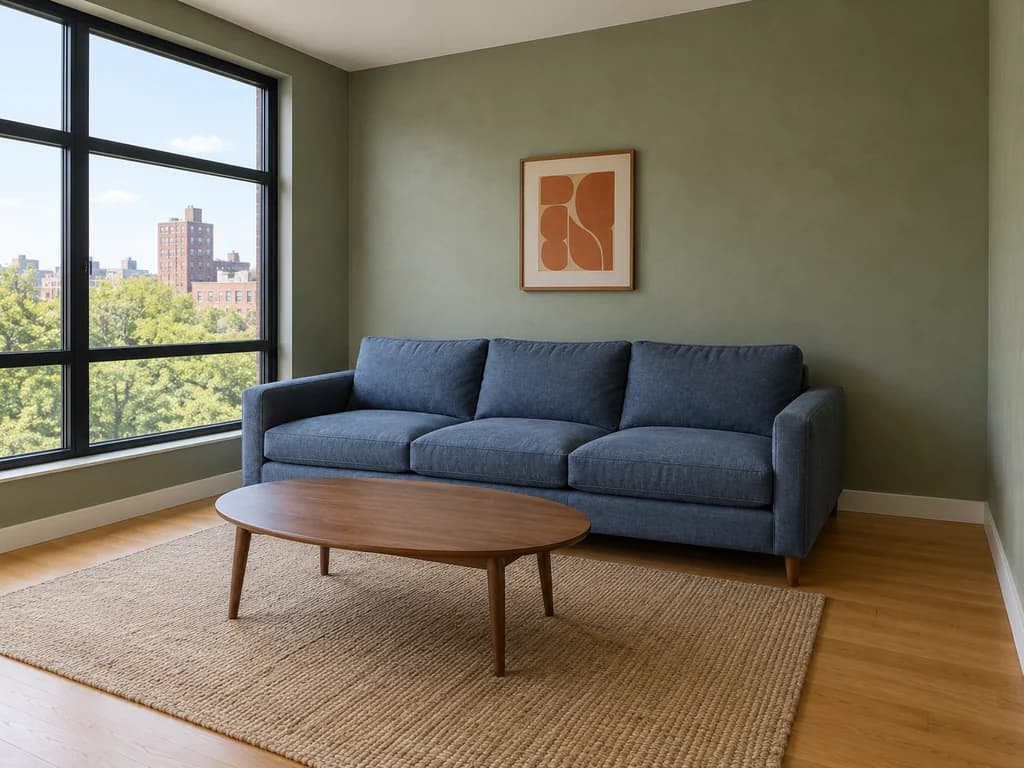
Keep editing the same image with Image 2.5 while preserving earlier changes, visual consistency, and the overall composition across multiple turns.
Intelligence & Style Understanding
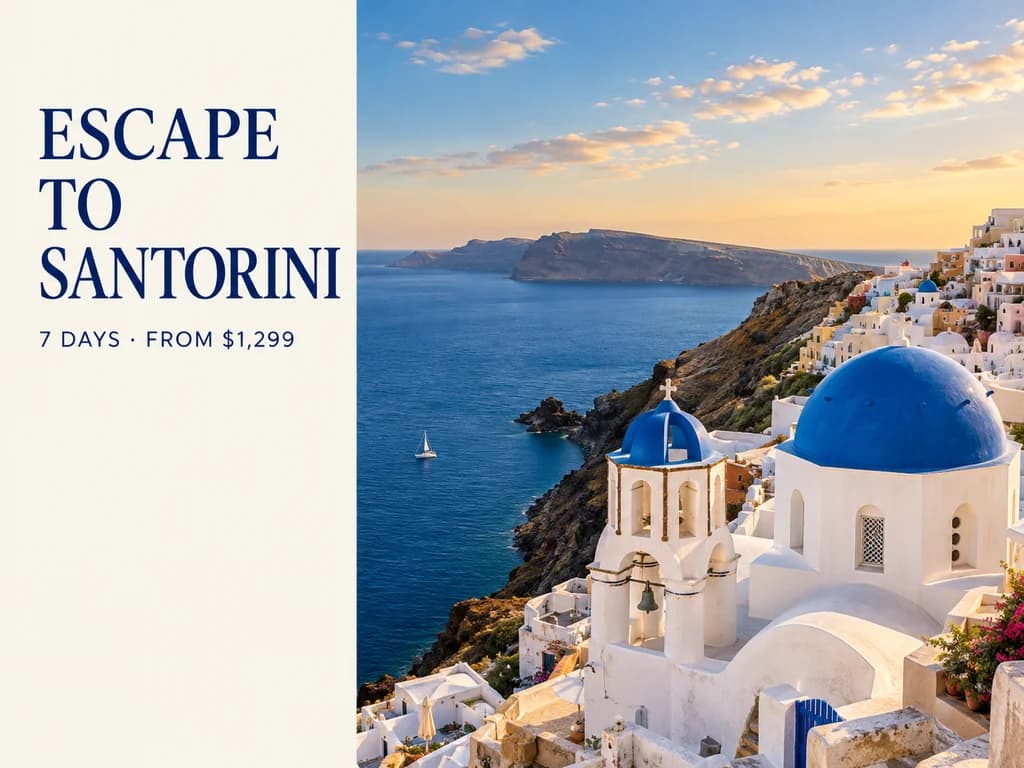
Image 2.5 understands complex visual instructions more reliably, combining subjects, readable text, structured layouts, composition, and visual style into more coherent results. It can follow detailed creative direction without losing the intended structure or overall look.
Design a 4:3 Santorini travel poster. Use the left third for an ivory panel with the navy serif headline “ESCAPE / TO / SANTORINI” on three lines and “7 DAYS · FROM $1,299” below. Leave space for a CTA at the bottom. Fill the right two thirds with whitewashed architecture, a blue dome, the Aegean Sea and warm afternoon light. Use a clean magazine layout; keep all text off the photo.
Flare vs Sunburst
Compare GPT Image 2.5 Flare and Sunburst side by side. Flare is built for faster generation and everyday creative workflows, while Sunburst focuses on more refined control and polished results.
| Attribute | Flare | Sunburst |
|---|---|---|
| Best for | Fast everyday generation | Precision-focused creative work |
| Speed | Faster | More deliberate |
| Editing control | Strong | More precise |
| Ideal use cases | Social, concepts, high-volume creation | Products, campaigns, polished assets |
Enter a prompt or upload a reference image to show Image 2.5 what you want to create or edit.
Pick Flare for faster everyday generation or Sunburst for more precise editing and refined results.
Create your image, then keep editing text, objects, backgrounds, style, or composition until it is ready to use.
USE CASES
From social content and product photography to campaign design and image editing, Image 2.5 helps creators and teams turn prompts or reference images into finished visuals faster.
Create thumbnails, social posts, posters, profile visuals, and content variations from a prompt or reference image, then refine the result until it is ready to publish.
Turn campaign ideas into ad creatives, branded visuals, promotional graphics, and channel-specific variations without rebuilding each asset from scratch.
Transform product photos into polished campaign scenes, replace backgrounds, adjust colors, and create new product visuals while keeping the item recognizable.
Explore typography, layouts, visual directions, UI concepts, and presentation graphics, then edit individual details without recreating the whole image.
Build pitch concepts, campaign variations, client visuals, and polished creative assets faster across multiple rounds of feedback and revision.
Create product images, menus, posters, promotional graphics, and everyday marketing assets without needing a full production or design team.
COMMUNITY
A curated feed of recent Image 2.5 tests, examples, and reactions shared by creators on X.
Pricing
Start free, then choose a plan based on how often you generate and edit images with Image 2.5.
$251.88 / year
Save $106.92 per year
Great for getting started and everyday creative work.
$419.88 / year
Save $178.92 per year
For steady creation, content publishing, and commercial use.
$839.88 / year
Save $358.92 per year
For teams, businesses, and high-frequency creative production.
All prices are in USD. Annual plans are billed annually and credits are granted monthly. Actual credit usage varies by model and generation settings.
Questions, Answered
Everything you might want to know before your first generation with Image 2.5.
Image 2.5 is the name we use for our online image generation and editing experience built around GPT Image 2.5 Flare and Sunburst. It supports text-to-image creation, reference-image workflows, precise editing, and multi-turn refinement.
Start with a text prompt or reference image and create with GPT Image 2.5 Flare or Sunburst.